Wetu Academy

Account Fundamentals

Get set up. Work with confidence.

35 - 40 min 8 Topics Badge on Completion

Course Overview 

Account Fundamentals is where every Wetu build starts. This course takes you from your first login through to a fully configured account, your profile, company branding, contact details and reusable guidance all set up correctly, so every itinerary you create from here on looks accurate and professional. To earn your badge, pass the assessment with 80% or higher. 

course 1 banner

What you will learn

By the end of this course, you will be able to:

  • Navigate the Wetu platform confidently across Trip Solutions and Content Solutions.  

  • Set up your account with correct company branding and contact details. 

  • Manage your personal user profile so the right consultant appears on outputs.  

  • Upload a logo that displays correctly across every itinerary output.  

  • Set company-wide Terms and Conditions and reusable travel guidance. 

  • Confirm your browser and device setup for a reliable building experience.  

Why this course matters

Your account details do not stay inside your own workspace. They appear on every itinerary you share, every output a client opens, and every trip a trade partner previews. Getting the foundations right once means fewer corrections later and a more consistent experience for everyone connected to your itineraries.

How to work through this course

The course is split into topics, and every topic covers one specific part of Wetu. For each topic, follow these steps in order: 

  1. Understand the topic.
  2. Read the article.
  3. Watch the video.
  4. Try it in Wetu.

Open Wetu in a split screen and work side by side in the software as you go. 

Applying each topic as you learn it is what makes it stick.  


Time to get serious

We've laid the topics out in a logical sequence to match how you'd naturally move through Wetu, but jump ahead or double back whenever it's useful to you.

 1. Know your workspace 

Understand where Trip Solutions, Content Solutions and the different itinerary types fit so your team spends less time searching. 

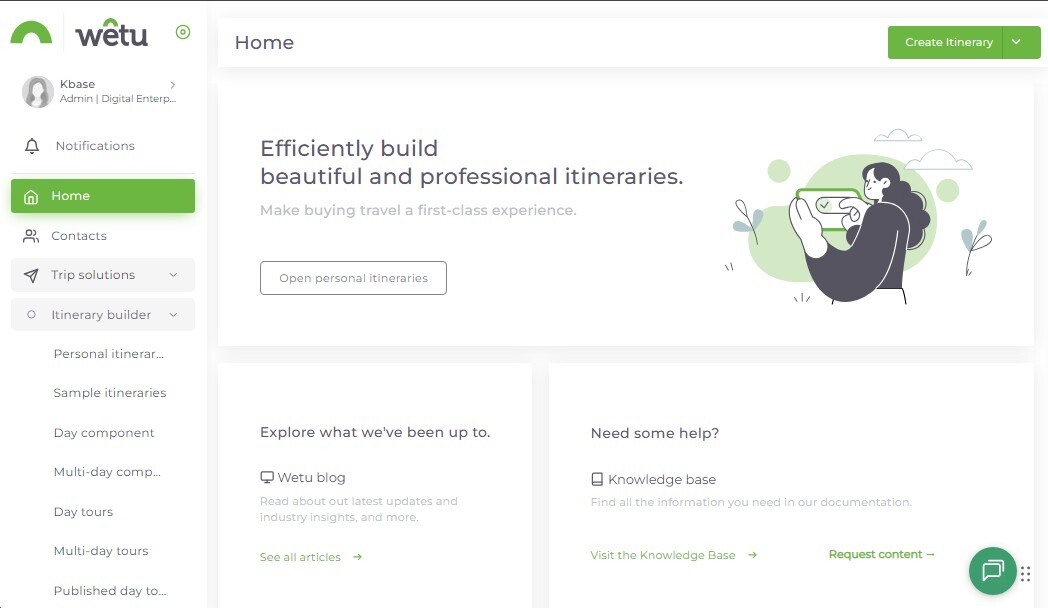
This topic gives you the lay of the land. You'll get a clear picture of the two main areas, Trip Solutions and Content Solutions, and see how personal, sample and components itineraries each serve a different purpose. Build on a desktop or laptop in Chrome for the best experience, and save your phone for checking the finished result rather than creating it.

Try it: Open Wetu and identify the main areas you will use most often. 


 2. Get technically ready 

Avoid preventable performance and device issues while building and reviewing work. 

This topic walks you through the setup that keeps Wetu running smoothly: Chrome as your browser, a desktop or laptop for building, and a stable connection so nothing lags or drops halfway through. Tablets and phones have their place too, they're just better suited to previewing an itinerary than creating one. 

Try it: Check the browser and device you normally use against the recommended setup. 


3. Put a person behind the trip 

Make sure the right consultant information appears where clients need it.

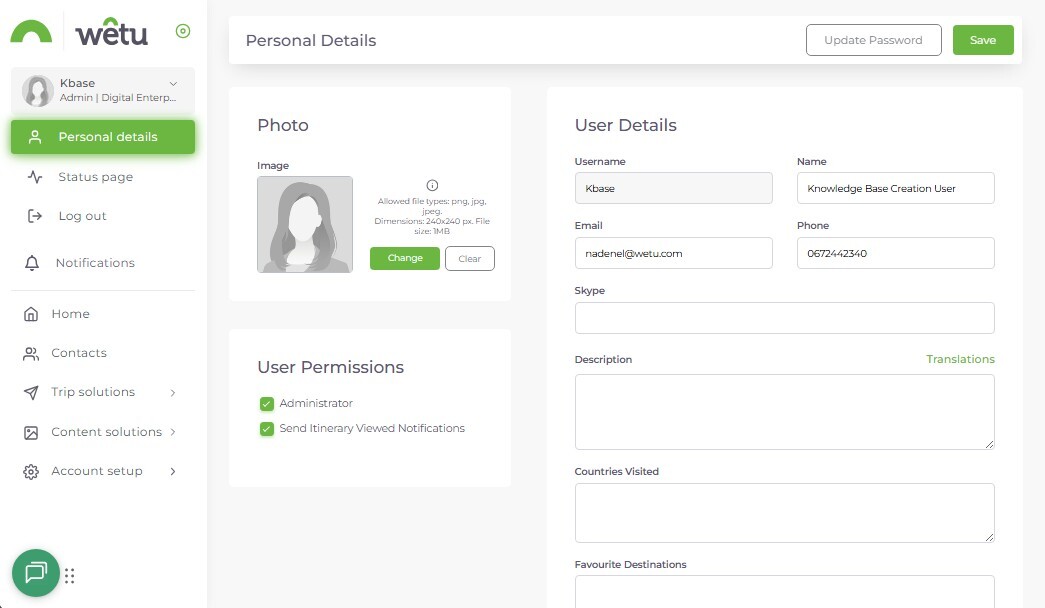
This topic shows you how to manage your personal profile, your name, your details, even your favourite destinations, so the right person shows up wherever it matters on an output. It only takes a few minutes, but an incomplete profile has a way of showing up at the worst moment, so it's worth getting right from the start rather than fixing it later. 

Try it: Review your own profile and update any incomplete information. 


4. Make your business recognisable   

Keep client-facing work visually connected to your business.

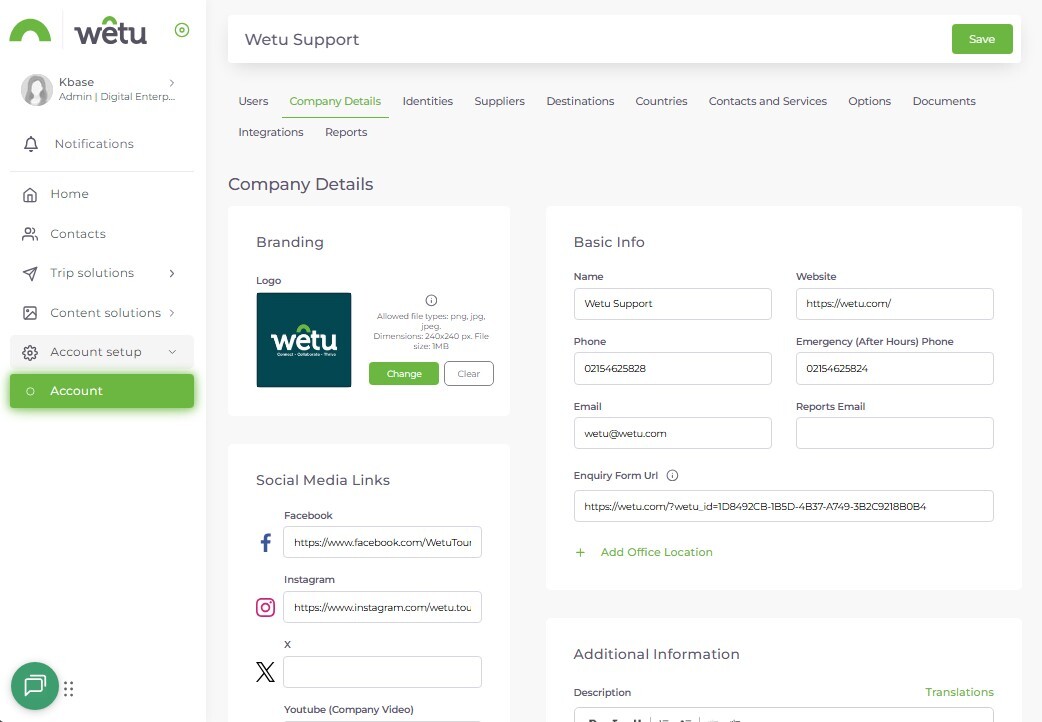
Here you'll learn how to upload and manage your company logo so it appears correctly across every output, not just some of them. One small but important detail: a solid background works far better than a transparent one, especially on darker layouts, so we'll show you exactly what to use and why it matters.

Try it: Preview your current logo on an itinerary and correct it if needed. 


5. Make it easy to contact you  

Remove friction when a traveller or trade partner needs to take the next step.

This topic covers your company's contact details, address, phone number, and email, and how they carry through to every itinerary you send. Without them, you're effectively invisible from inside your own output, so this is a quick fix with an outsized payoff. 

Try it: Check the company email, phone number and location. 


6. Connect clients to your wider brand    

Extend the experience beyond the itinerary and avoid broken or outdated links.

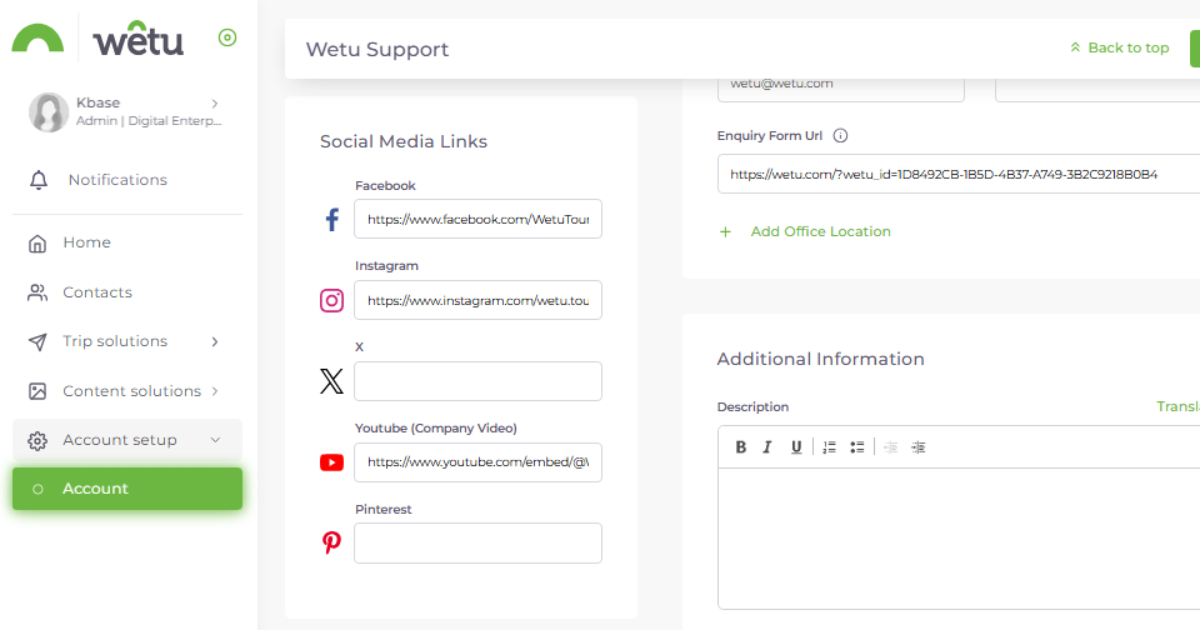
Linking your social media profiles means clients can find you well beyond the trip you've just sent them, and it signals that there's a real, active business behind it. This topic shows you where those links live and how to keep them working, since nothing undermines trust quite like a broken link at the wrong moment.

Try it: Test each social link from an itinerary output. 


7. Set standard expectations      

Maintain company-wide policies once instead of adding them repeatedly to new work.  

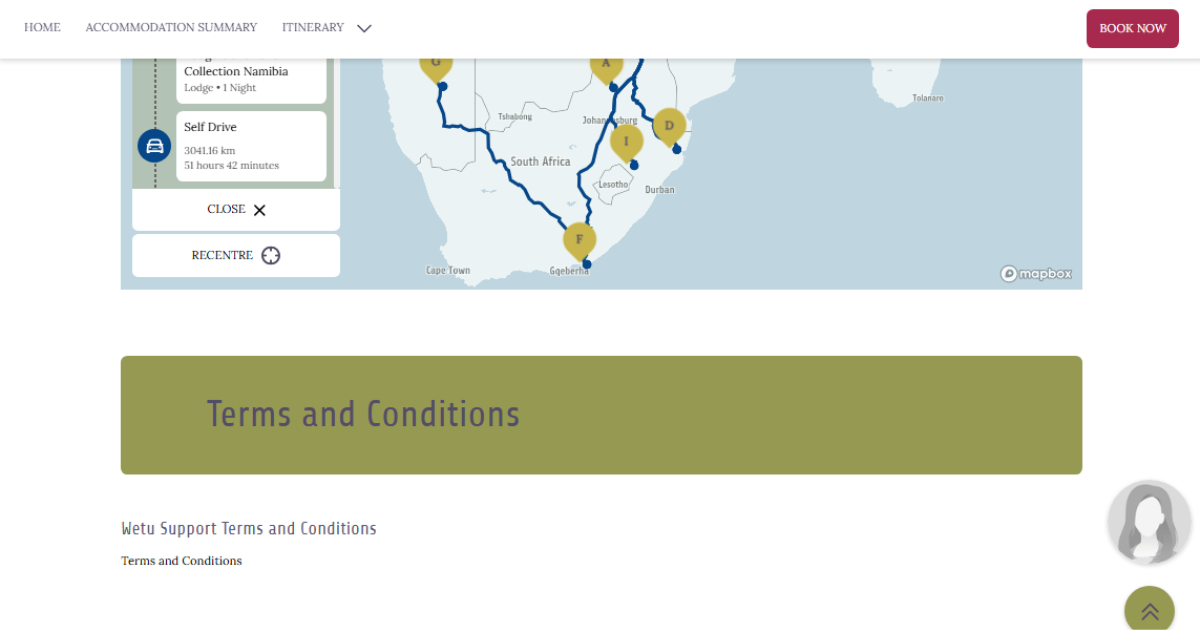
This topic shows you how to set your company-wide Terms and Conditions once, covering things like cancellation, payment, and booking policies, so they apply automatically from then on. You can still adjust the fine print for an individual itinerary when you need to, but the heavy lifting only happens once. 

Try it: Confirm whether your approved T&Cs are configured correctly. 


8. Reuse useful traveller information       

Keep reusable advice consistent while separating it from destination-specific guidance.

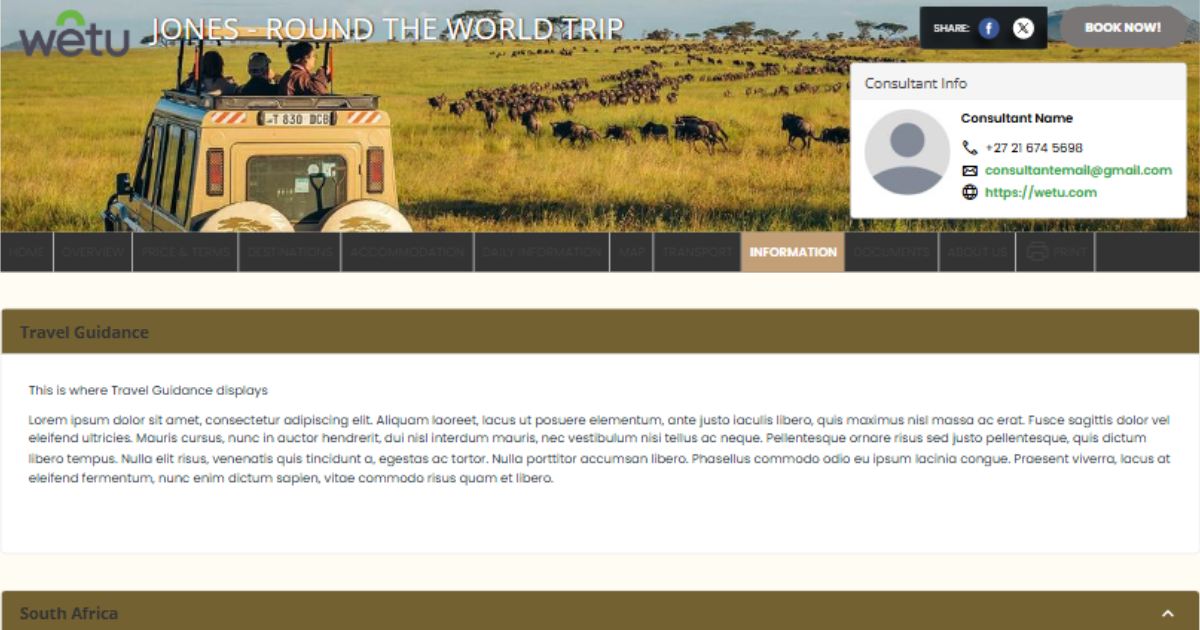
This topic covers general travel guidance, the reusable tips and passport reminders that make sense across almost any trip, and how to keep that separate from destination-specific detail, which belongs at country level instead. One thing worth building into a habit: revisit anything time-sensitive, like visa or entry requirements, regularly, and link out to an authoritative source rather than relying on your own summary. 

Try it: Add or review one piece of general guidance useful across multiple trips. 


 Complete the course. Earn your badge.