Stand out. Build trust.
Establish Your Brand covers how your business looks and feels across every client touchpoint: your own themes, trade partner Identities, co-branded proposals, and how to apply all of it to a real itinerary. Operators rarely sell under one brand alone. You might present your own business, white-label for a trade partner, or show both together. To earn your badge, pass the assessment with 80% or higher.
By the end of this course, you will be able to:
Build and customise a Discovery theme and a Classic theme.
Create a branded Identity for a trade partner.
Configure co-branding so both businesses display together.
Apply the correct theme and Identity to a real itinerary before sharing it.
Why this course matters
Your brand is often the first thing a client trusts, before they trust the trip. Get it wrong for a trade partner, and that's a partnership put at risk, not just a look.
This course isn't about themes and logos. It's about making sure every version of your brand a client sees is one you'd stand behind.
How to work through this course
The course is split into topics, and every topic covers one specific part of Wetu. For each topic, follow these steps in order:
Open Wetu in a split screen and work side by side in the software as you go.
Applying each topic as you learn it is what makes it stick.
Time to get serious
We've laid the topics out in a logical sequence to match how you'd naturally move through Wetu, but jump ahead or double back whenever it's useful to you.
Make visual digital proposals reflect your brand and the stage of the sale.
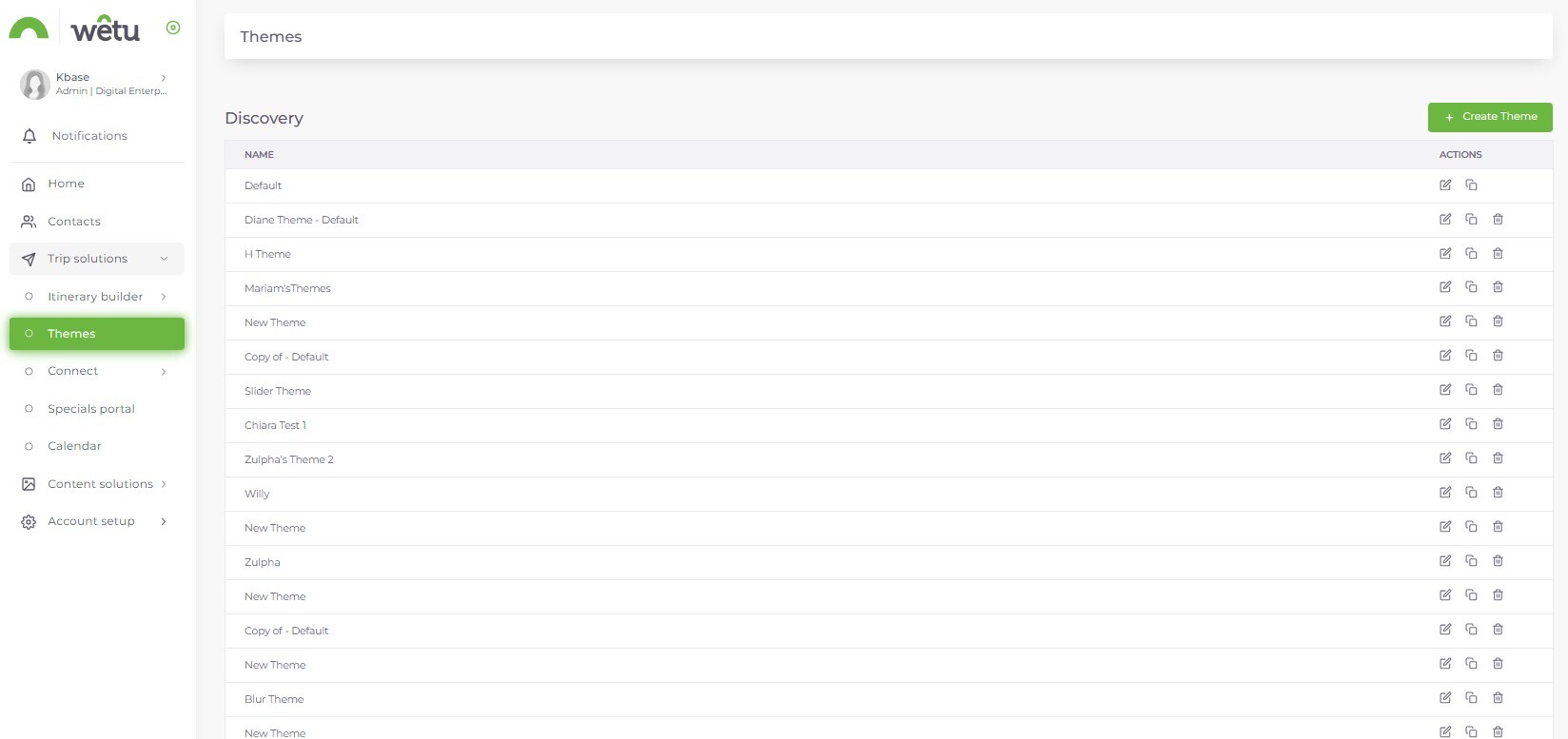
A Discovery itinerary is often the first real impression a client gets, so it's worth making count. This topic shows you how the Theme Builder gives you control over layout, branding, colours and fonts, and, uniquely to Discovery, it lets you show or hide entire content sections depending on where the client is in their journey. A theme built for an early proposal doesn't have to look the same as one built for a confirmed booking, and that flexibility is exactly the point.
Try it: Create or review one Discovery theme and preview the effect.
Control how more traditional itinerary outputs look and feel.
Not every client wants immersive and visual, some just want it clear and easy to follow, and that's exactly what a Classic theme delivers. This topic walks you through building your own, your colours, your fonts, your layout, so the output still feels unmistakably yours. Like Discovery, you can build separate versions for different stages of the sale, so a proposal and a confirmed itinerary don't have to wear the same look.
Try it: Create or review one Classic theme.
White-label work for agent partners without rebuilding the underlying trip.
Sometimes the itinerary needs to speak for someone else's brand, not yours. This topic shows you how to build an Identity for a trade partner, their logo, their contact details, their T&Cs, so that when it's applied, the agent's branding takes over completely across every output, digital, printable and voucher alike. The trip underneath stays exactly the same, only the face of it changes.
Try it: Create a practice Identity or review one used for an existing trade partner.
Support partnerships where both brands need visibility.
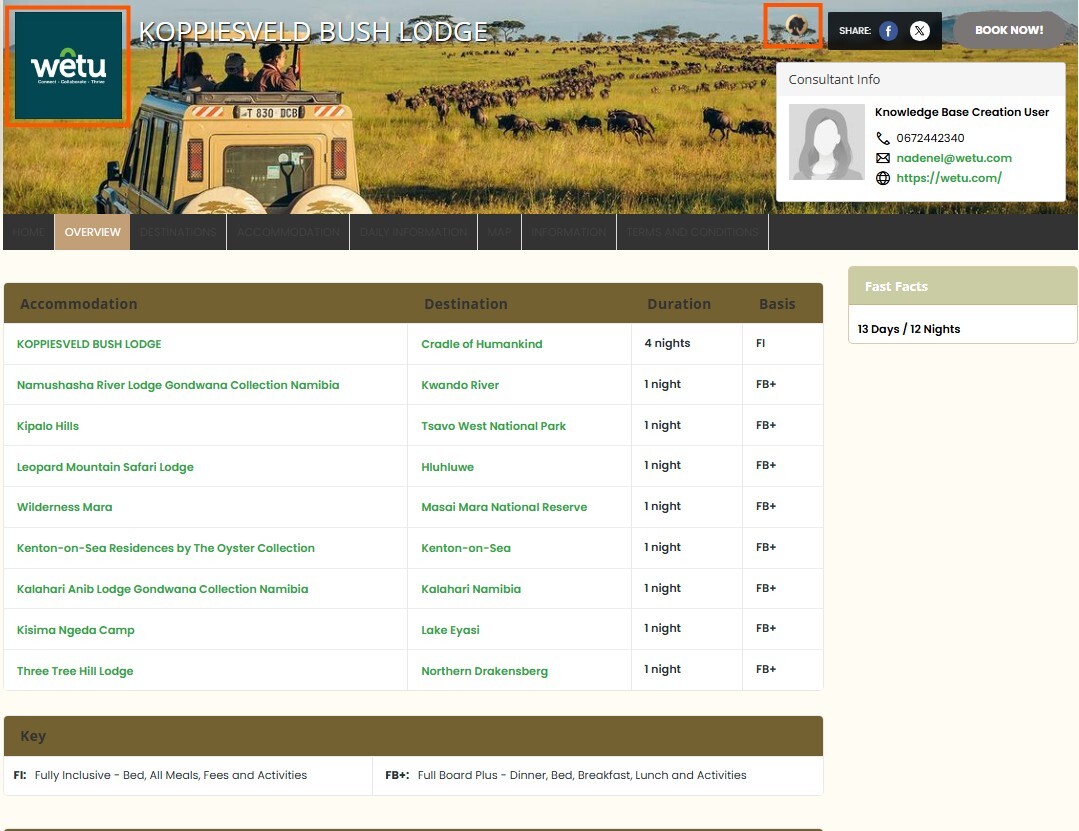
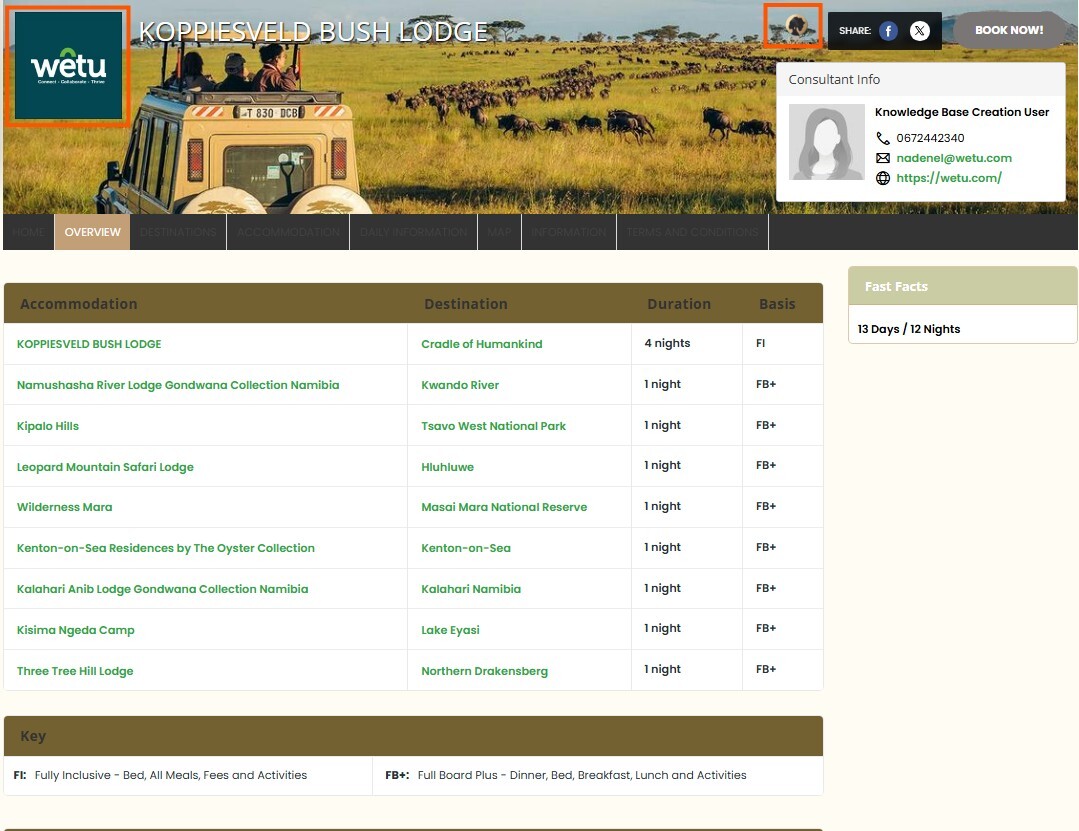
Some partnerships call for neither brand to disappear. This topic covers co-branding, where your business and an agent partner's both appear on the same itinerary, so the relationship stays visible rather than one side stepping back entirely. Once it's switched on, both brands carry through consistently across every output.
Try it: Locate co-branding settings and preview how both brands display.
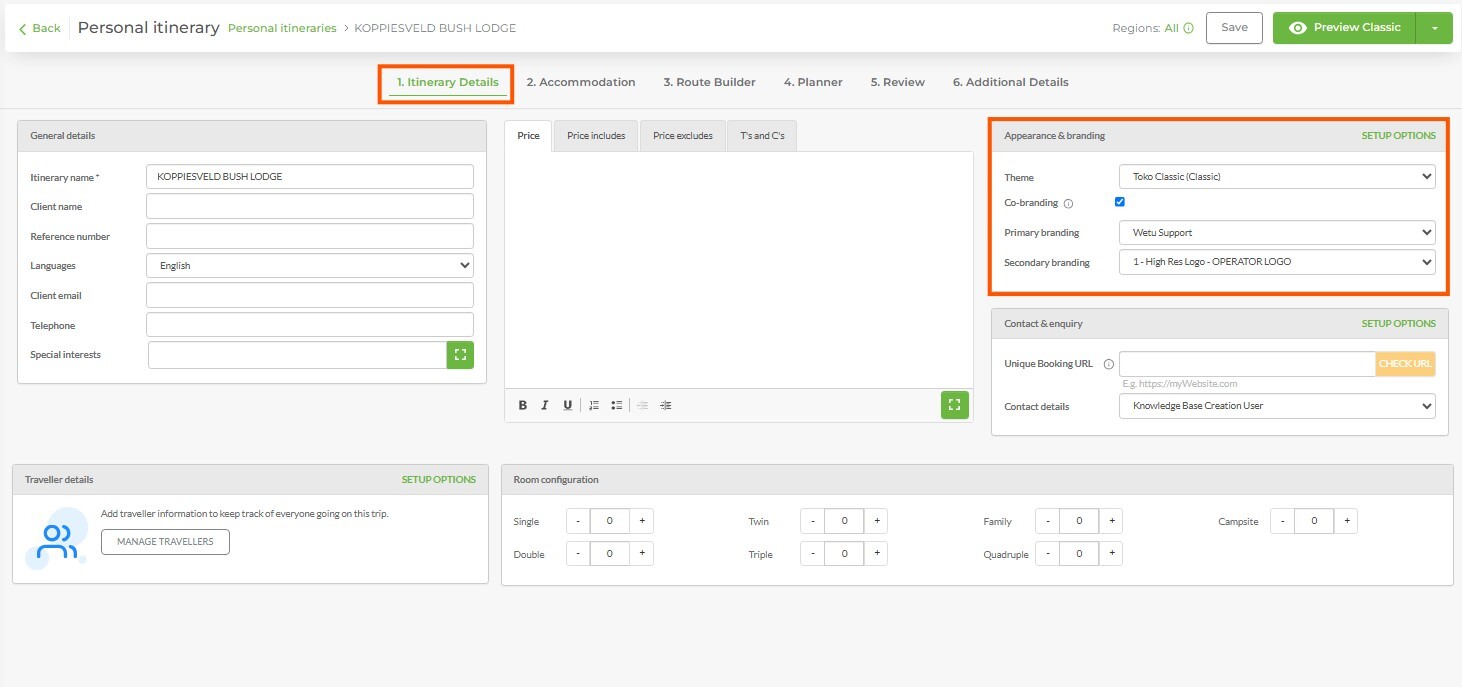
Everything you've built so far in this course has been sitting ready, and this is where it actually goes to work. You'll select the Identity and theme that apply to a real itinerary, the Identity decides whose branding shows, the theme decides how it looks, and see it come together on an output a client would actually receive. Get this step right, and every itinerary you send from here on looks exactly as intentional as it should.
Try it: Apply a theme and Identity to a practice itinerary and preview the output.
Complete the course. Earn your badge.
Share your feedback
Two minute survey